How to check DualSense compatibility before choosing a connection
Pairing support and individual game features are separate checks, especially on PC.
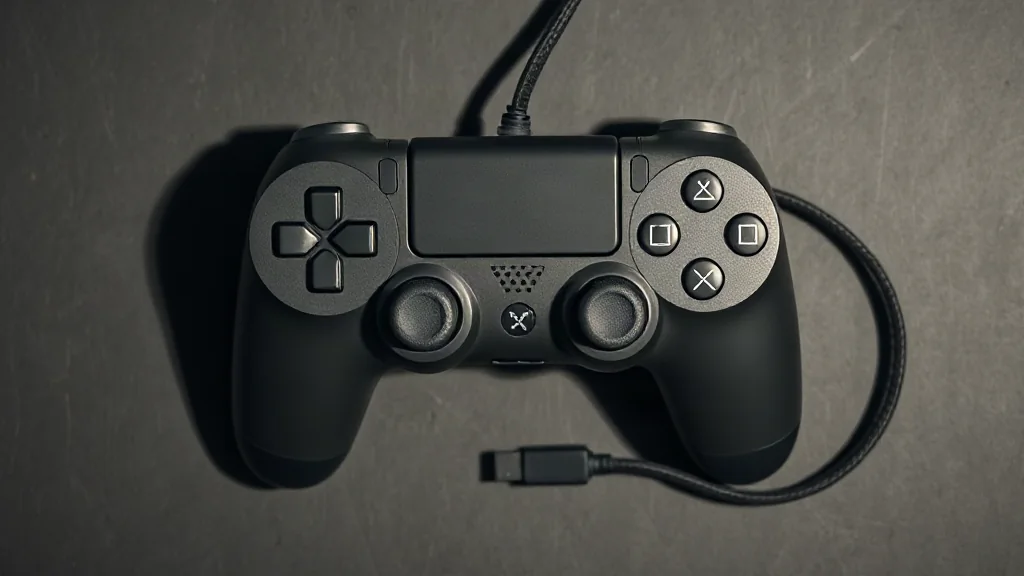
Start with the device you intend to use. DualSense pairs with supported devices through Bluetooth or USB, so establish device support before choosing a connection method. A successful pairing answers the connection question; individual games can still differ in the controller features they support. Check the particular game rather than assuming one title’s behaviour applies across your library.
On PC, haptic feedback requires USB in supported games. If that feature matters to your choice, confirm both the game’s support and your intended wired connection before settling on a setup. Bluetooth pairing alone does not establish that PC haptics will work. The practical approach is to make two checks in order: whether your device supports the controller, then which features the chosen game supports over the connection you plan to use.
Browse PC controllers on Amazon UK