A practical UK checklist for Xbox Cloud Gaming
Check the game, device, subscription and connection before planning a streamed session.
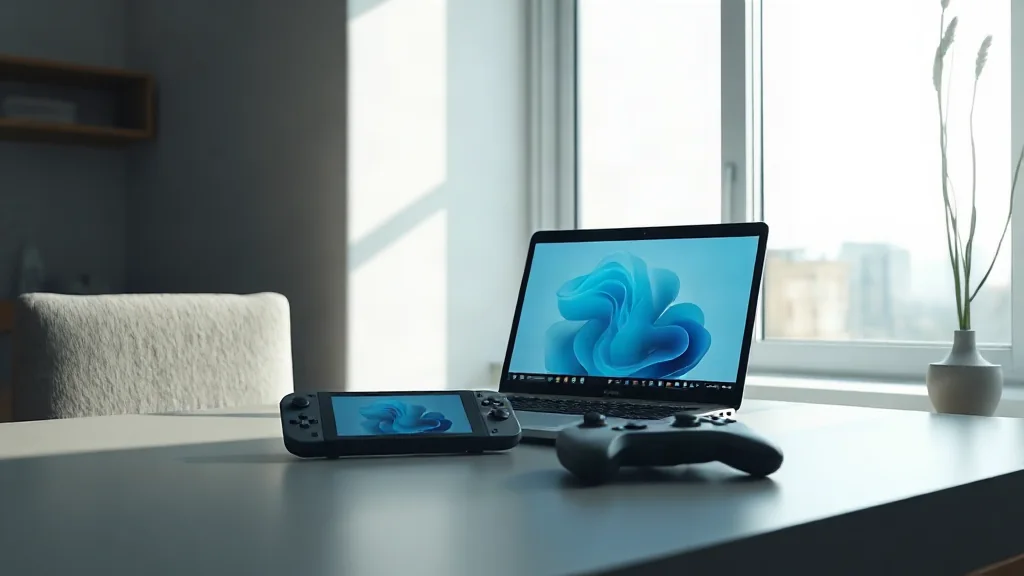
Xbox Cloud Gaming streams supported games on compatible devices. Begin with the game you actually want to play and check the current UK catalogue, rather than assuming that a familiar title or an earlier announcement establishes access. Then confirm that the device you plan to use is compatible. These are separate requirements: finding the game does not settle the device question.
Next, check the subscription requirements attached to that choice and review the connectivity requirements for your intended setup. Streaming makes the connection part of the access decision, so it belongs alongside the catalogue and subscription checks. Work through those details before arranging a session. A useful checklist therefore has four entries: the UK game listing, compatible device, required subscription and connection requirements, all checked for the same intended way of playing.